
Case study · Lola
My own studio, on my own hardware Modo Avión: a full song, lip-synced, generated locally
A character LoRA, recipes, production boards, a lip-sync pipeline and the tools I built around them. Same creative control, on machines I own.
The local pipeline
Not just a prompt, at home.
Same creative control as always, on hardware I own: models trained on my characters, recipes I wrote, and tools I built. This is how Modo Avión, a whole song for Lola, came out lip-synced from start to finish.
- curated images in Lola's LoRA
- 85
- LoRA versions to get her right
- 3
- start frames, each with a job
- 25
- ComfyUI workflows
- 15
- a full song, lip-synced
- 3:46
- machines: one directs, one renders
- 2
-
01 · Two machines
The Mac directs. The Atom renders.
Planning, timing, review and the final edit happen on my Mac. Every heavy job runs on the Atom, a machine on my network with three ComfyUI instances, LoRA training and Maestro. The house rule is written in the project's own README: no image or video generation on the Mac.
- 01 plan & time (Mac)
- 02 generate (Atom)
- 03 review & rework (Mac)
- 04 final cut (Mac)
-
02 · Identity
A face that stays the same
Lola has her own LoRA, trained with ai-toolkit on Flux2 Klein 9B: 85 curated images for v1. v1 made her look too young, so v1.1 went back to 62 images. Every new frame has to keep her green eyes and lose nothing else.
-
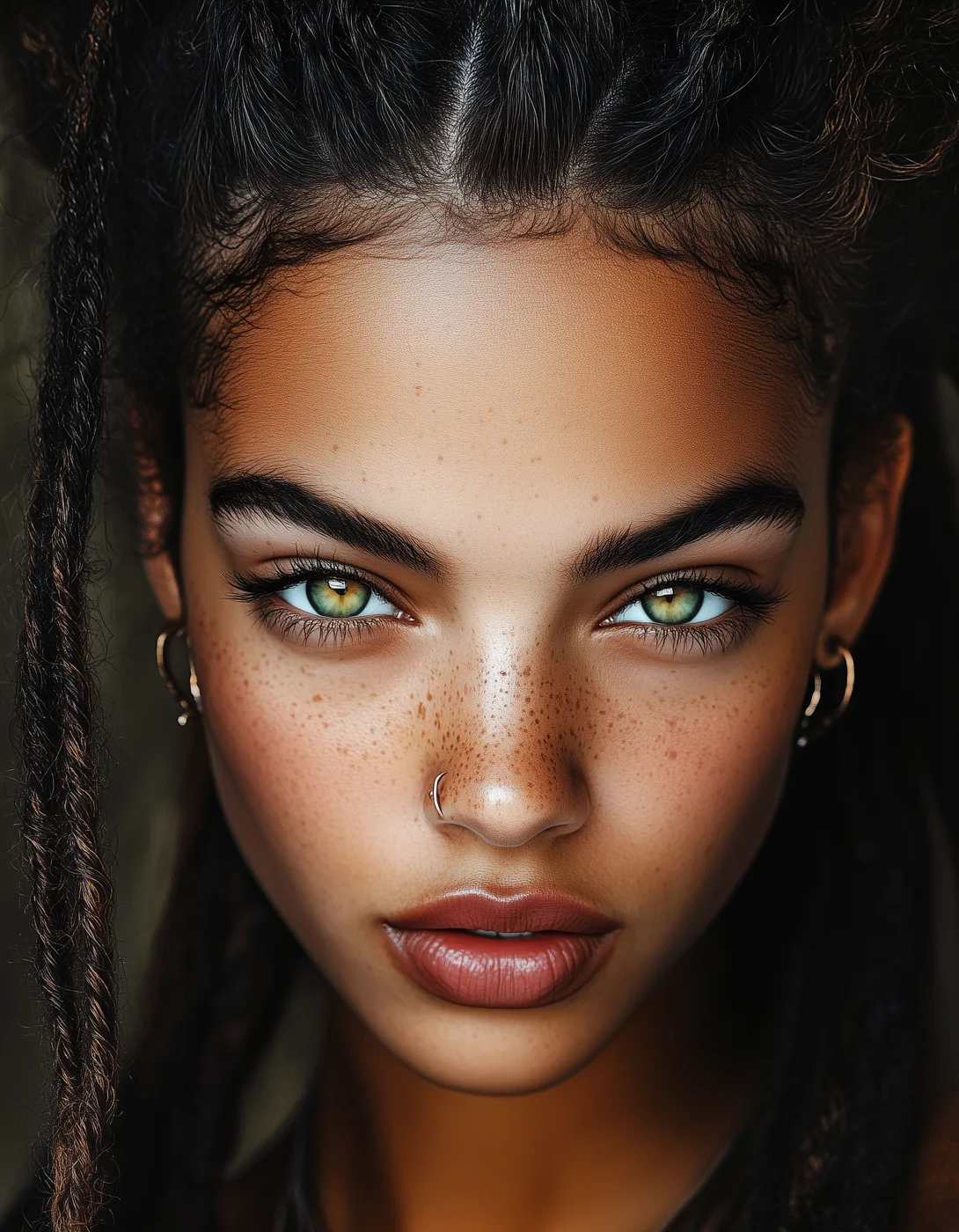
REF face-green-eyes-crop-no-torso -
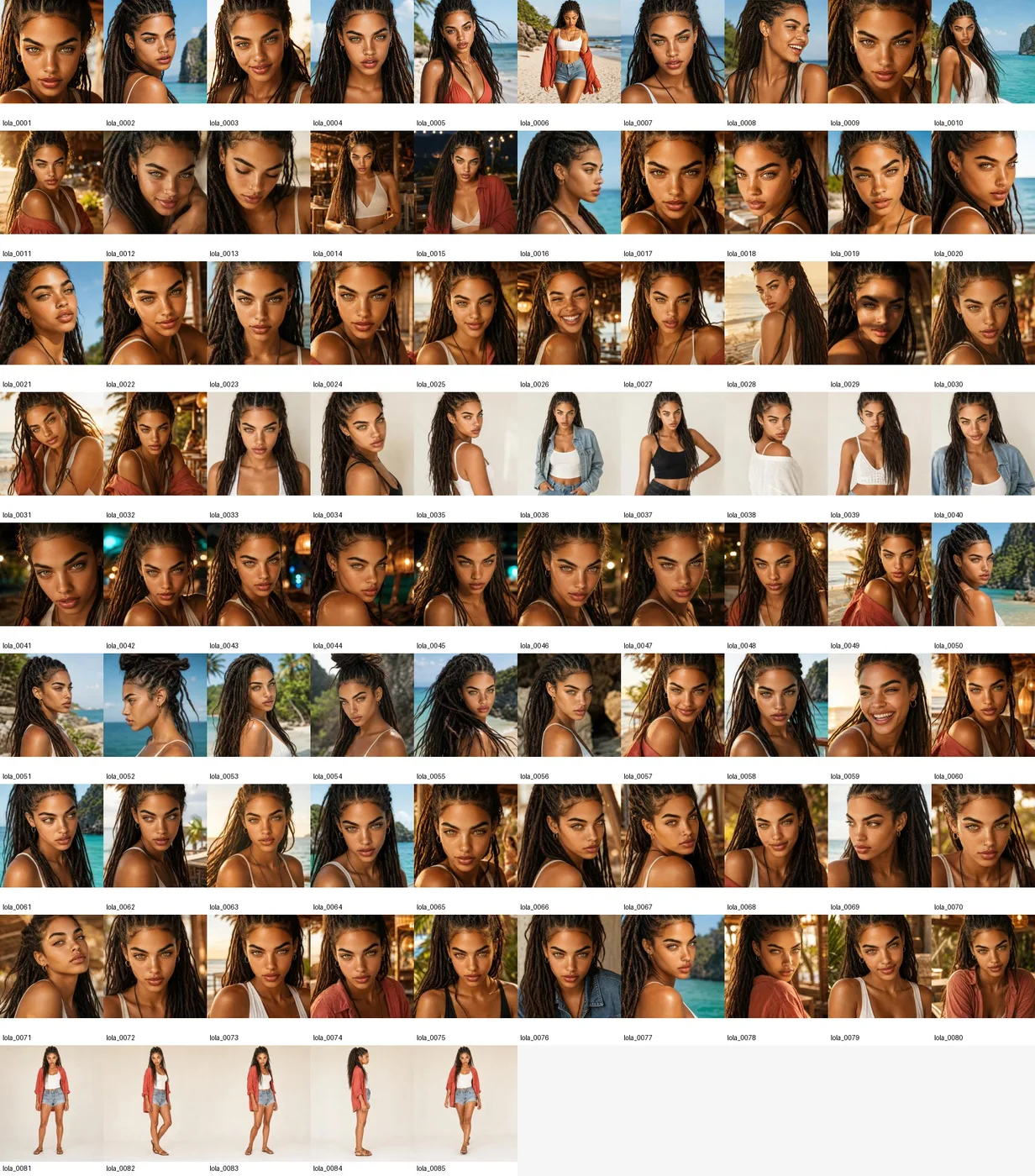
LORA lola-v1 · 85 images -
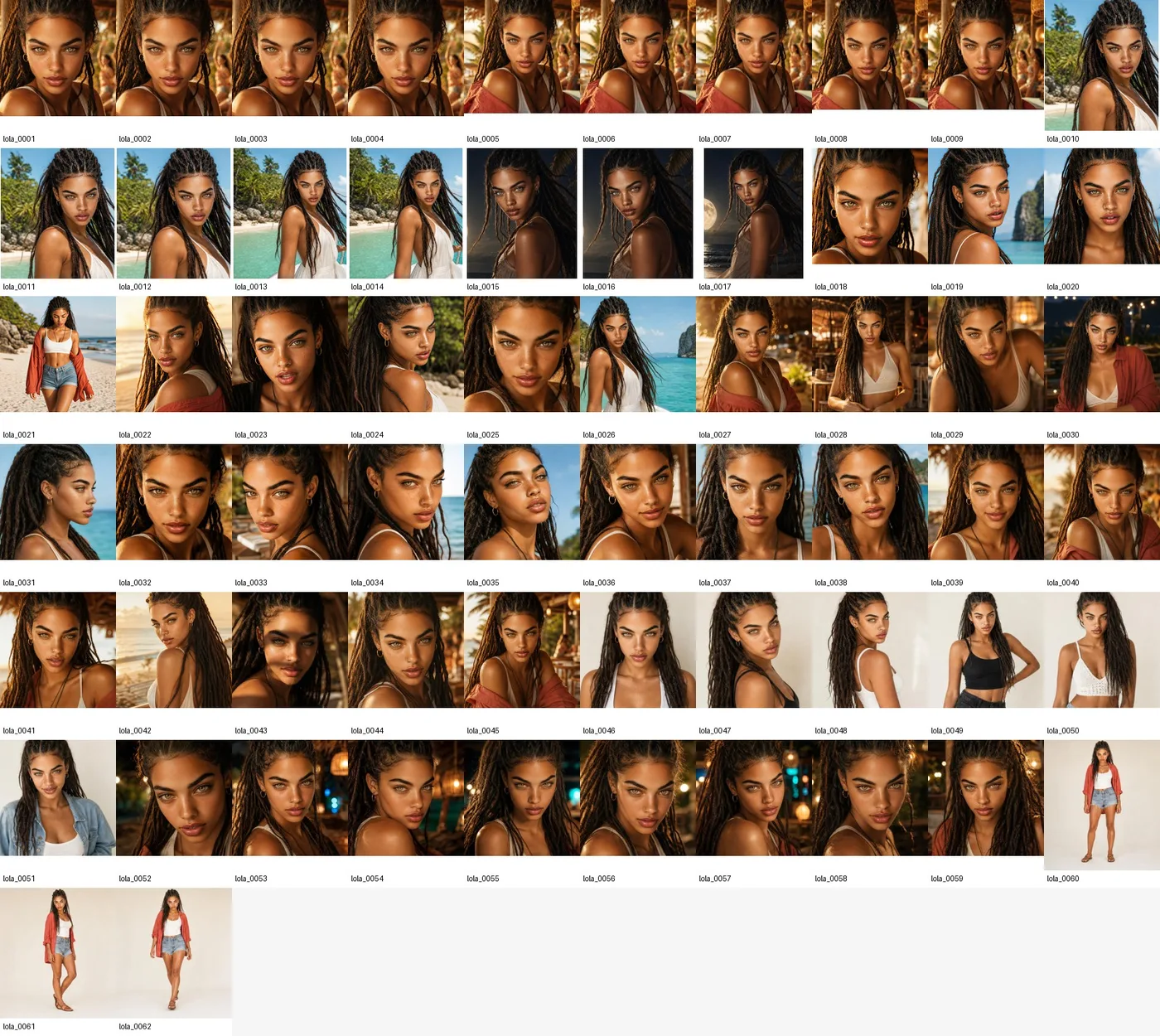
LORA lola-v1.1 · 62 images
-
-
03 · Start frames
Every frame has a job
The song is aligned to its lyrics and every take is planned by role: lead vocal lip-sync, backing vocals, instrumental B-roll. Start frames come from recipes (a character image, style references, a scene prompt) and follow hard rules: green eyes, lips unobstructed, no tattoos. Anything else is rejected.
-
BANK selected start frames · 25 -
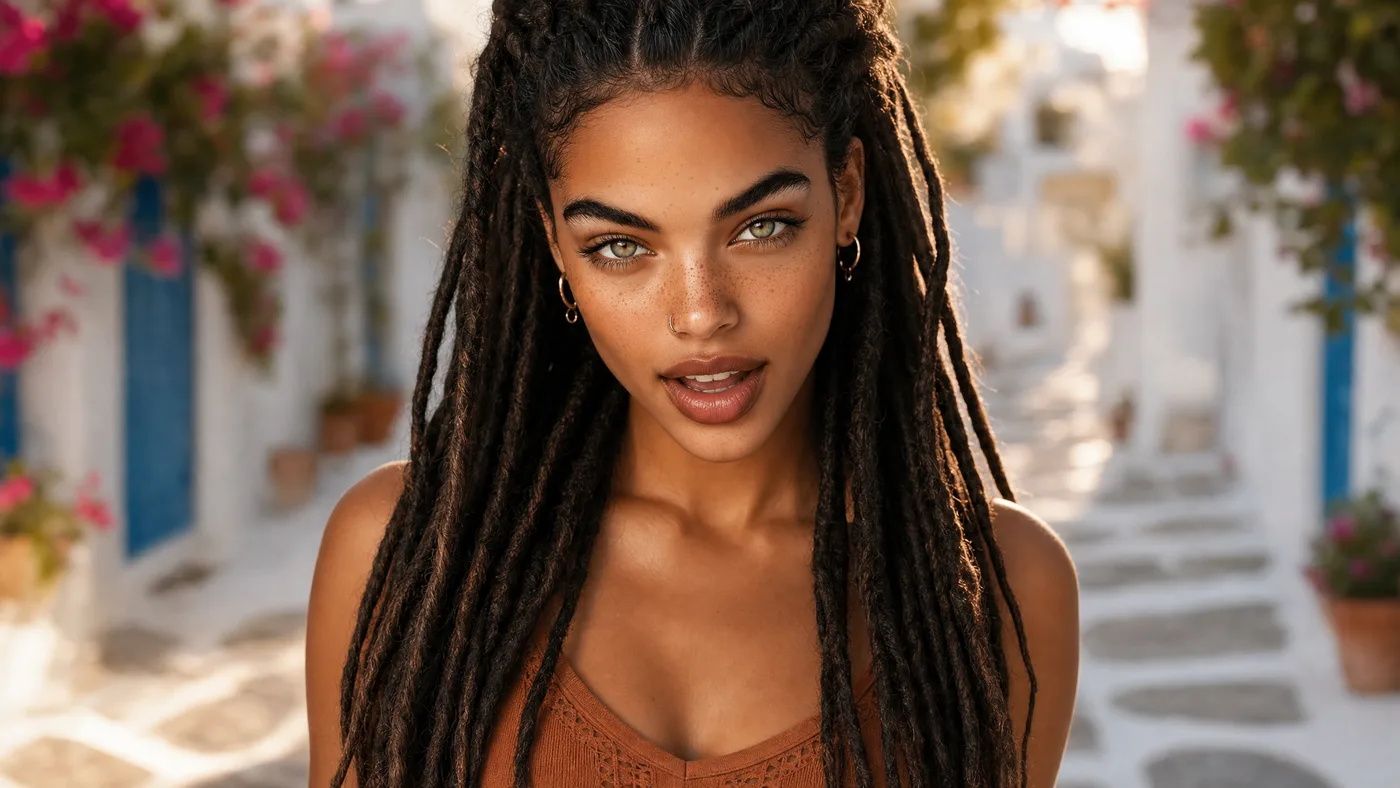
LEAD take-03 · lead_lipsync -
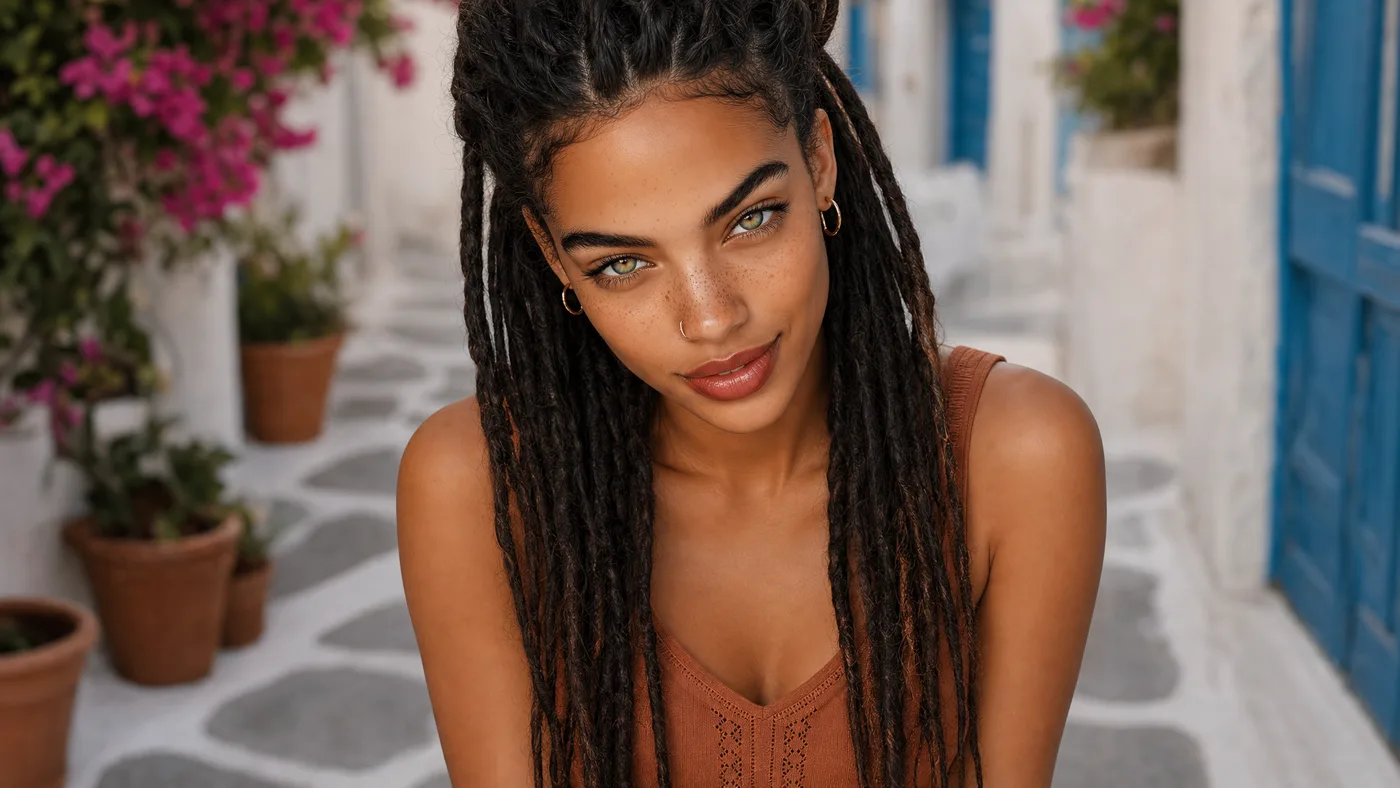
BACKING take-01 · backing_or_adlib -
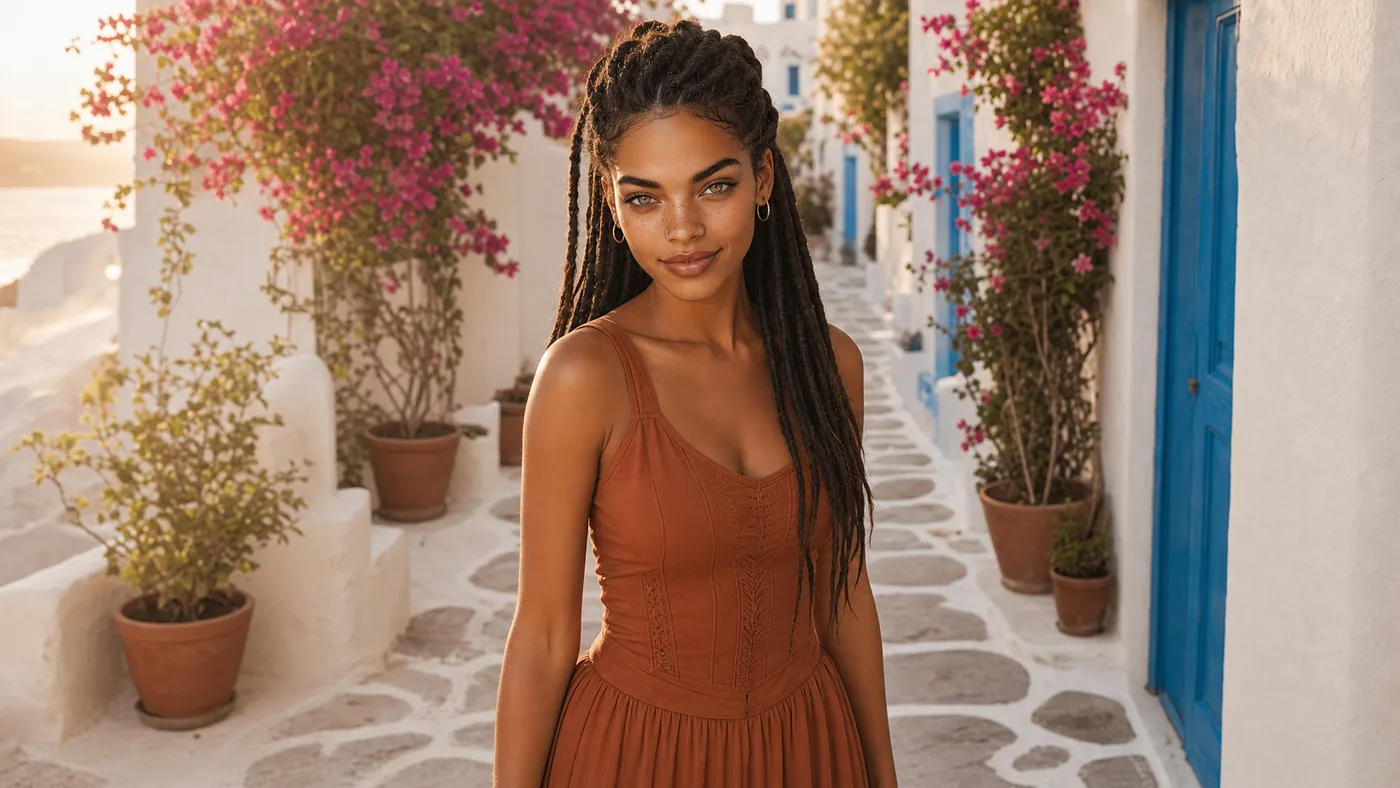
B-ROLL take-00 · instrumental_broll
-
-
04 · Production boards
The look, decided before anything moves
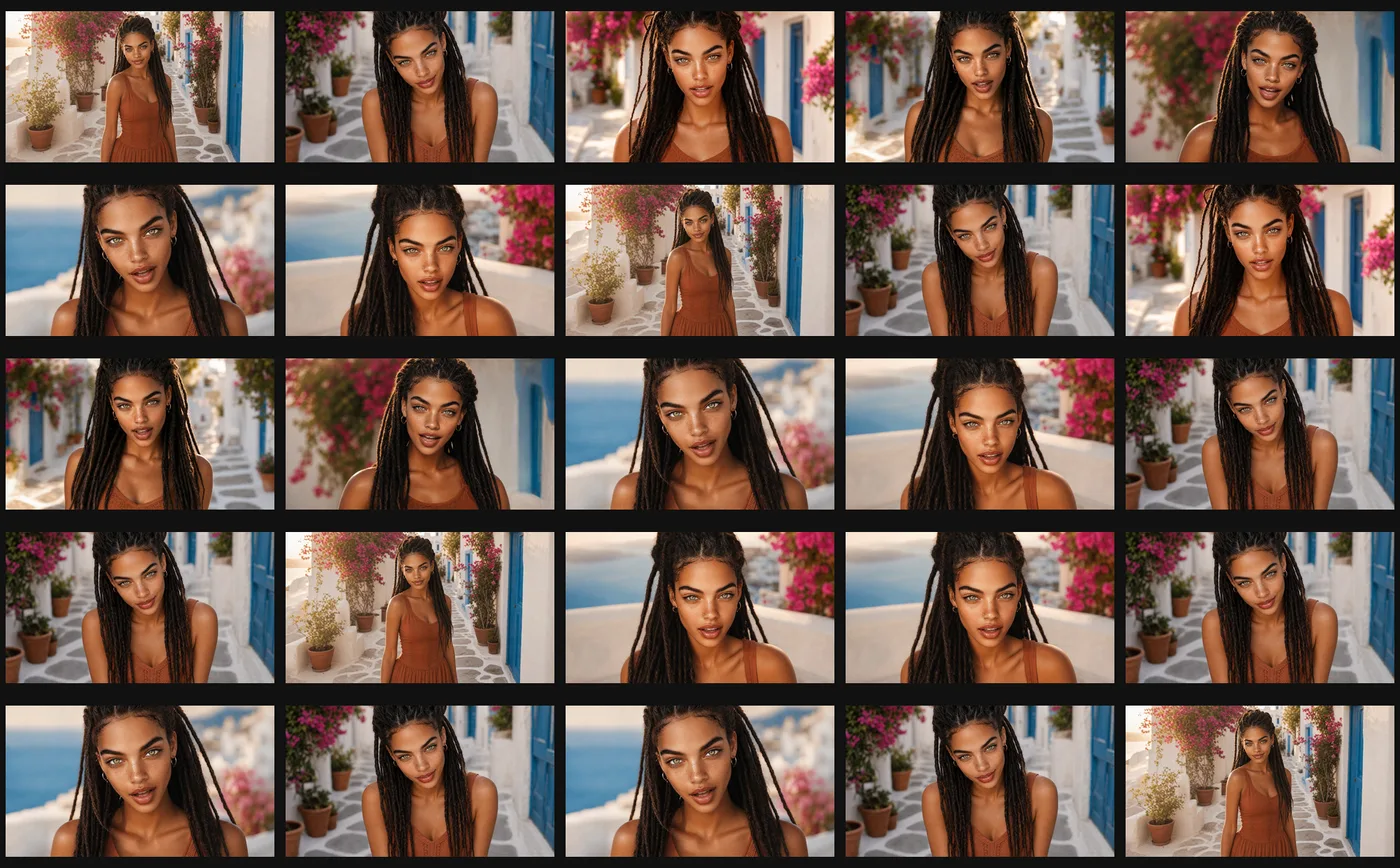
Each location gets a production board: wardrobe, palette, the place and the first frames of every shot. Boards are where I make the creative calls; after that, it is execution.
-
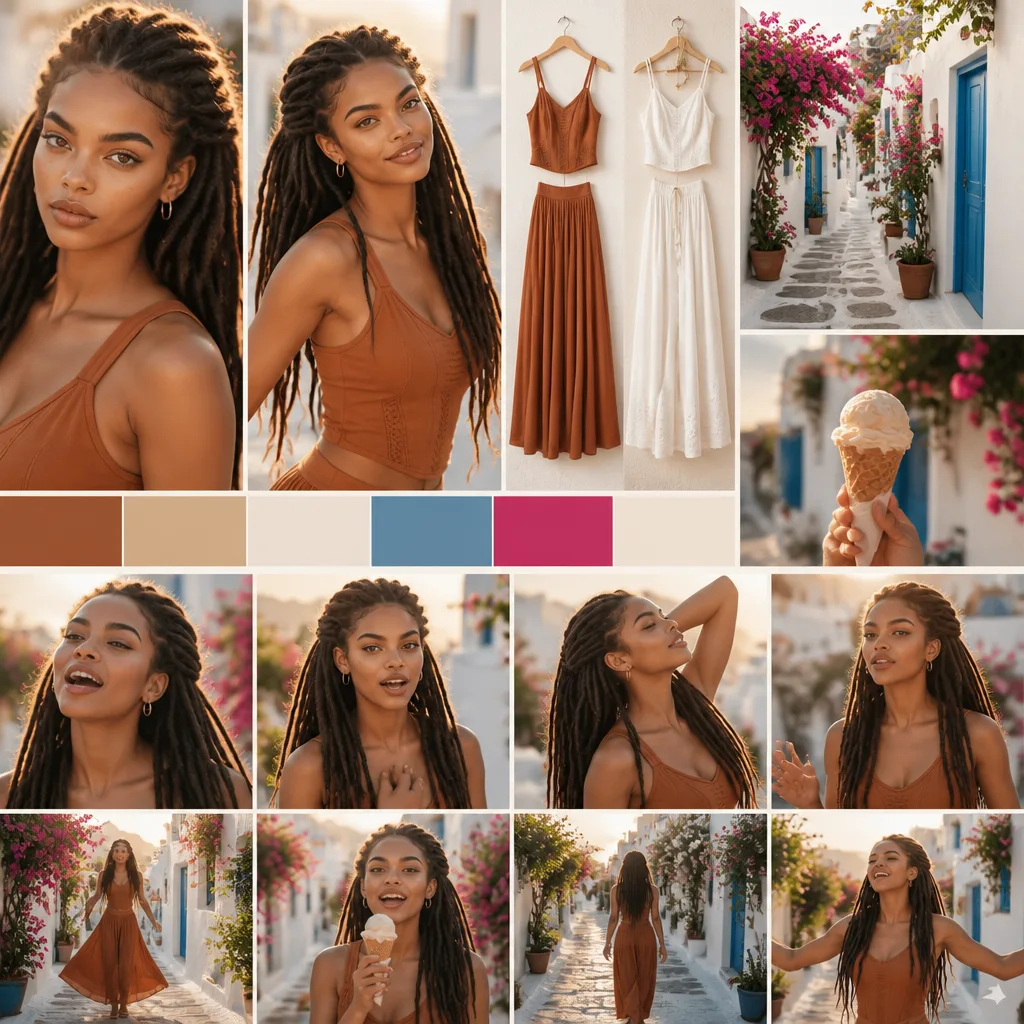
BOARD board A · sunlit white lane -
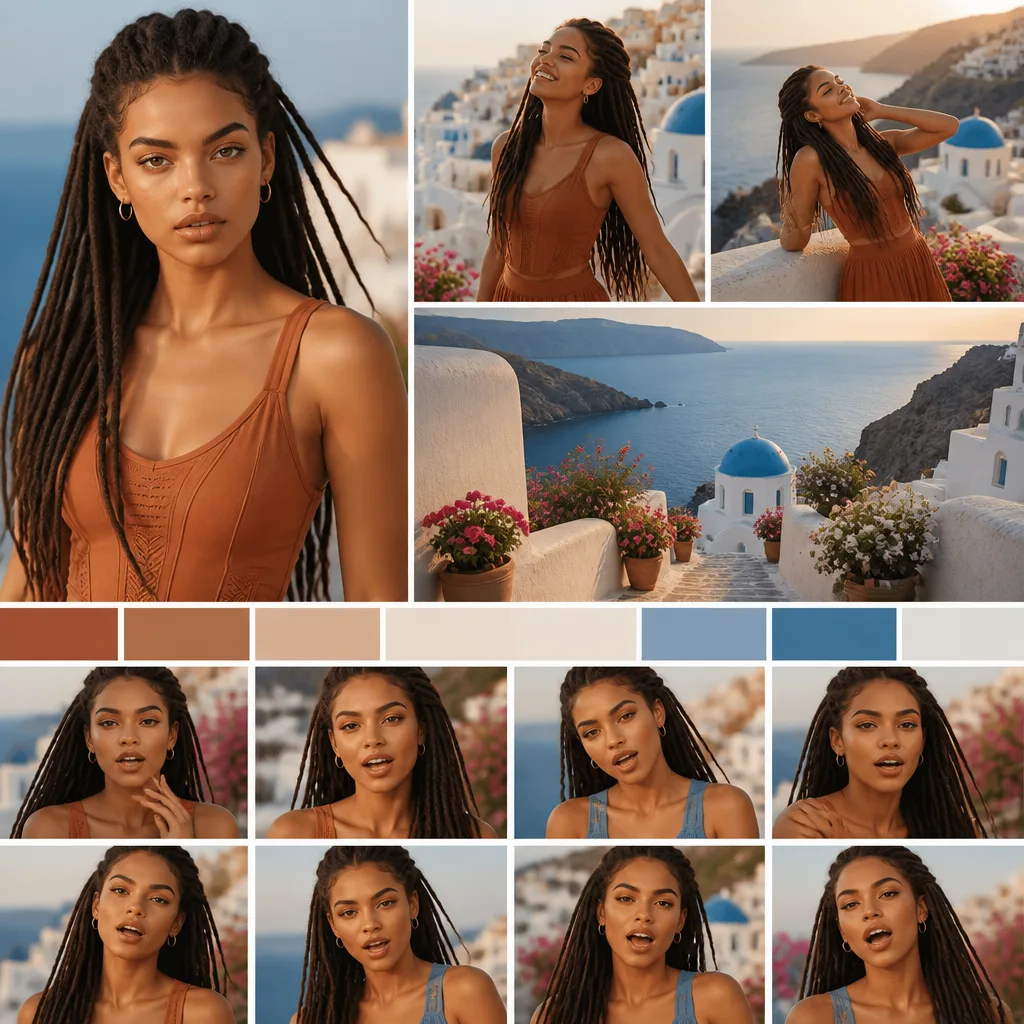
BOARD board B · sea terrace -
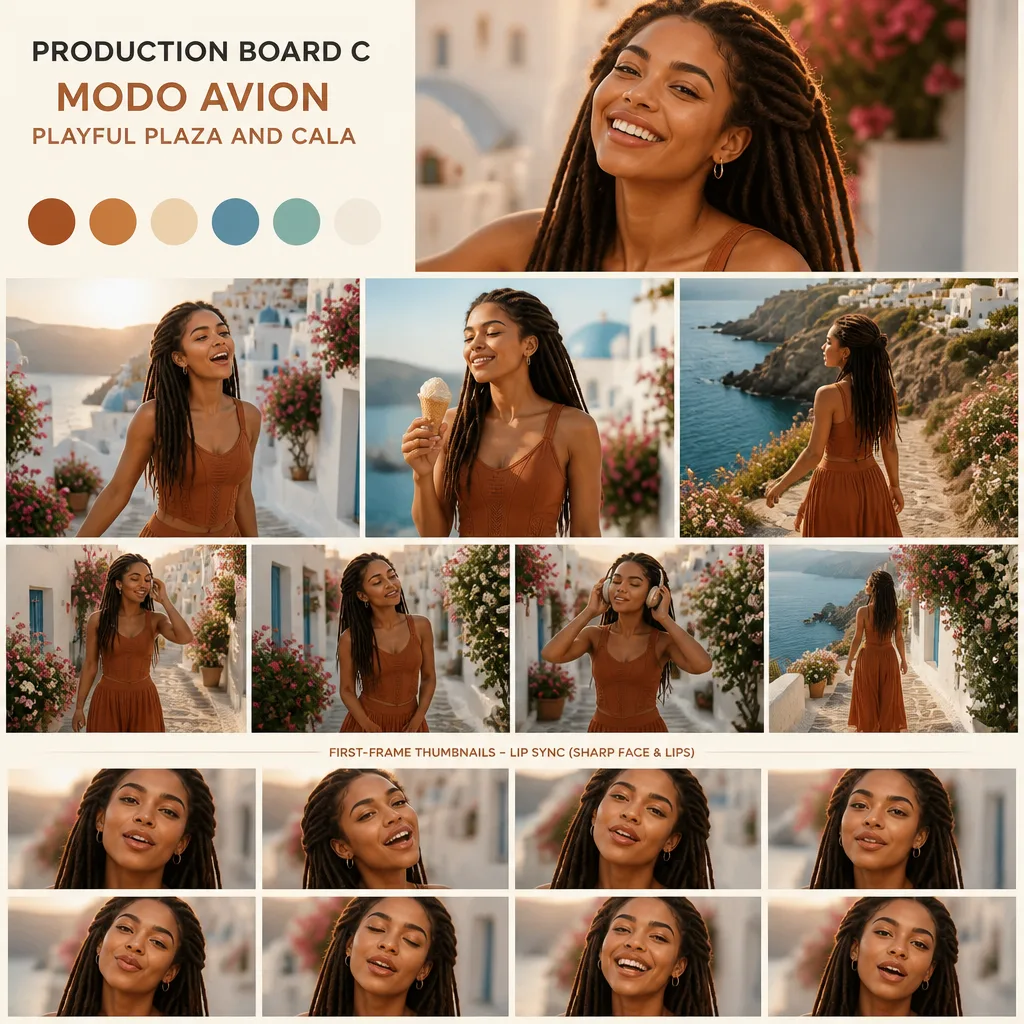
BOARD board C · plaza & cala
-
-
05 · Lip-sync
Lip-sync that holds for a whole song
Each take is animated from its start frame and the lead vocal with LTX, as a single image-plus-audio take. Takes are cut at phrase boundaries, every segment is retimed, and the original mix goes back on once, at the very end.
The magic is not one model setting. It is clean identity frames, clean prompts, lyric-aware take planning, single-take image+audio animation and final audio remuxing.
-
CLIP Modo Avión · final render, muted
-
-
06 · My own tools
Built around how I work
I favour direct API calls and my own command-line tools over node graphs; the ComfyUI nodes I wrote were made for specific projects. My fork of LTX Desktop adds remote rendering on the Atom, version stacks to compare takes, retry history and the credit cost before a cloud job runs. The Maestro CLI drives LTX and MiniMax jobs on the Atom, and only runs jobs: the direction stays with me.
- 01 capabilities
- 02 validate
- 03 submit
- 04 wait
- 05 fetch
-
07 · Review & rework
Every clip, reviewed
My review tool lays out every take of a video against the song. I approve or flag each one with a note; flagged takes go to a rework queue that my agents pick up and render again, and they come back for another look.
-
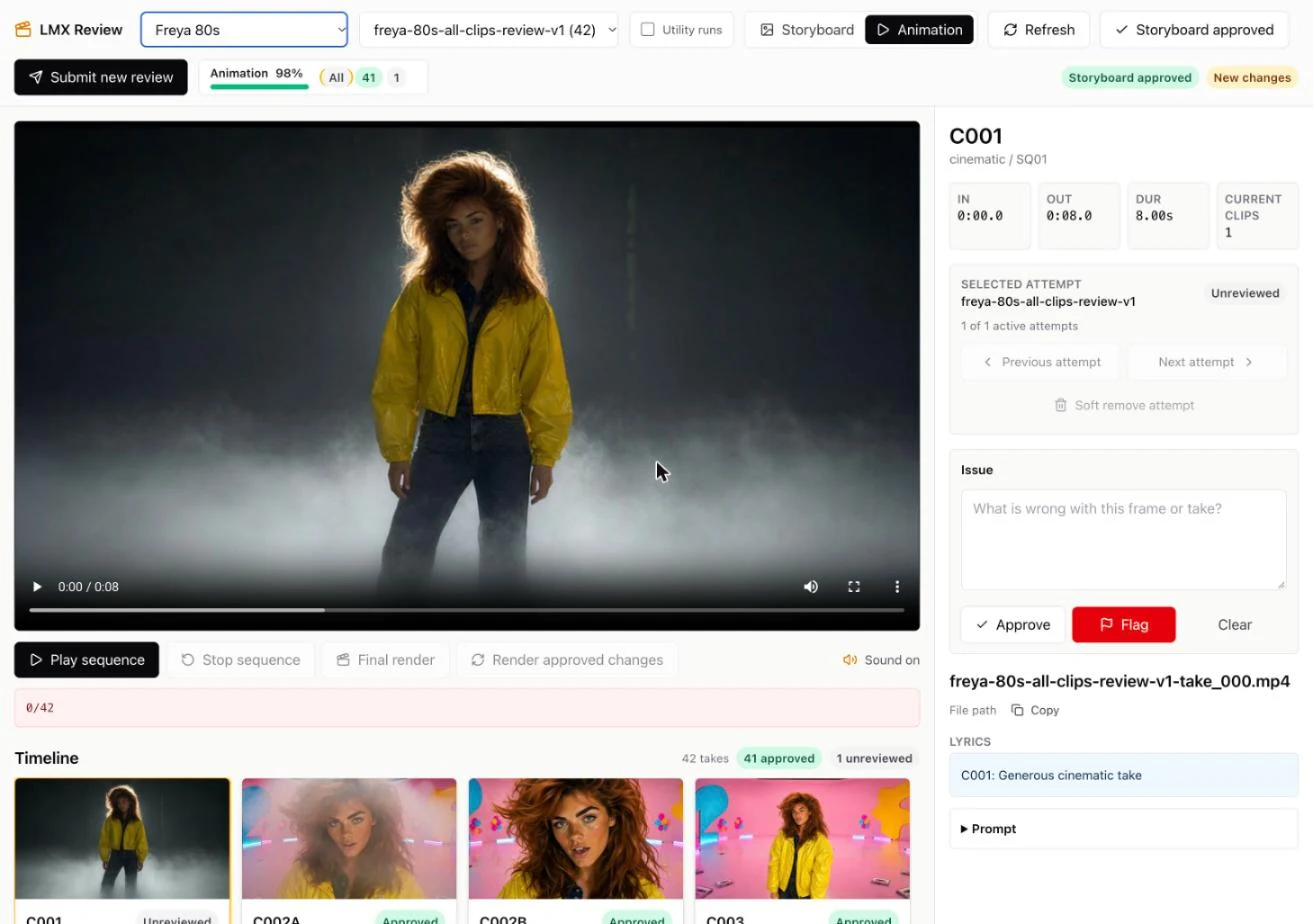
APP LMX Review · a take, its attempts, approve or flag
-
08 · The cut
