
Case study · Metal to the Core
The making of Burn It Down A 4:52 music video, built shot by shot
A lonely king, a grey city of smiling masks, a nuke and a stray dog. Every ingredient, frame and take, from the production bible to the final cut.
Where it comes from
Not just a prompt.
Before agents could do any of the execution, I did every step myself, and built the tooling to do it. This is what one music video took: Burn It Down, for Metal to the Core, with a lonely king, a grey city of smiling masks, a nuke and a stray dog. Knowing every step by hand is why I can direct the agents now.
- shots in the plan
- 58
- reference images
- 74
- storyboard grids, 9 stills each
- 16
- keyframes
- 42
- video generations, estimated
- ~100
- colours allowed in a grey world
- 3
-
01 · The bible
Write it like a film
Before a single frame: a story, a cast, four locations, a 58-shot plan and the rules. The whole world stays grey except for three things: fire, the nuke's flash and the dog's eyes.
“This is not metaphor. It is a 10-megaton mushroom cloud.”
-
02 · Cast
Every face, locked
Each character gets identity references before they ever move: the King, five kinds of zombie, the horde, and the stray dog that steals the ending.
-
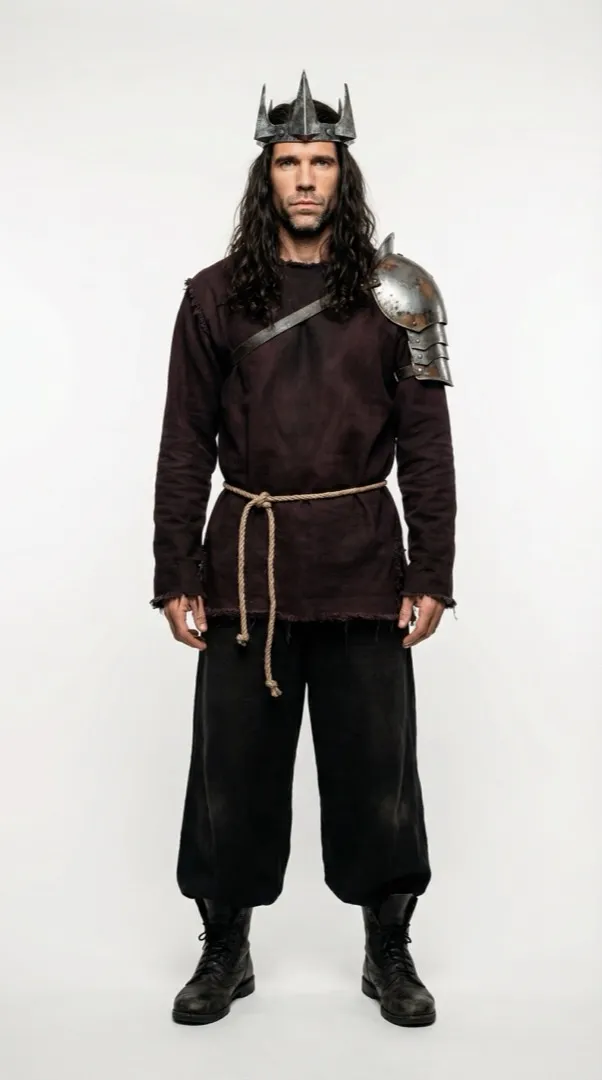
REF king_identity_anchor -
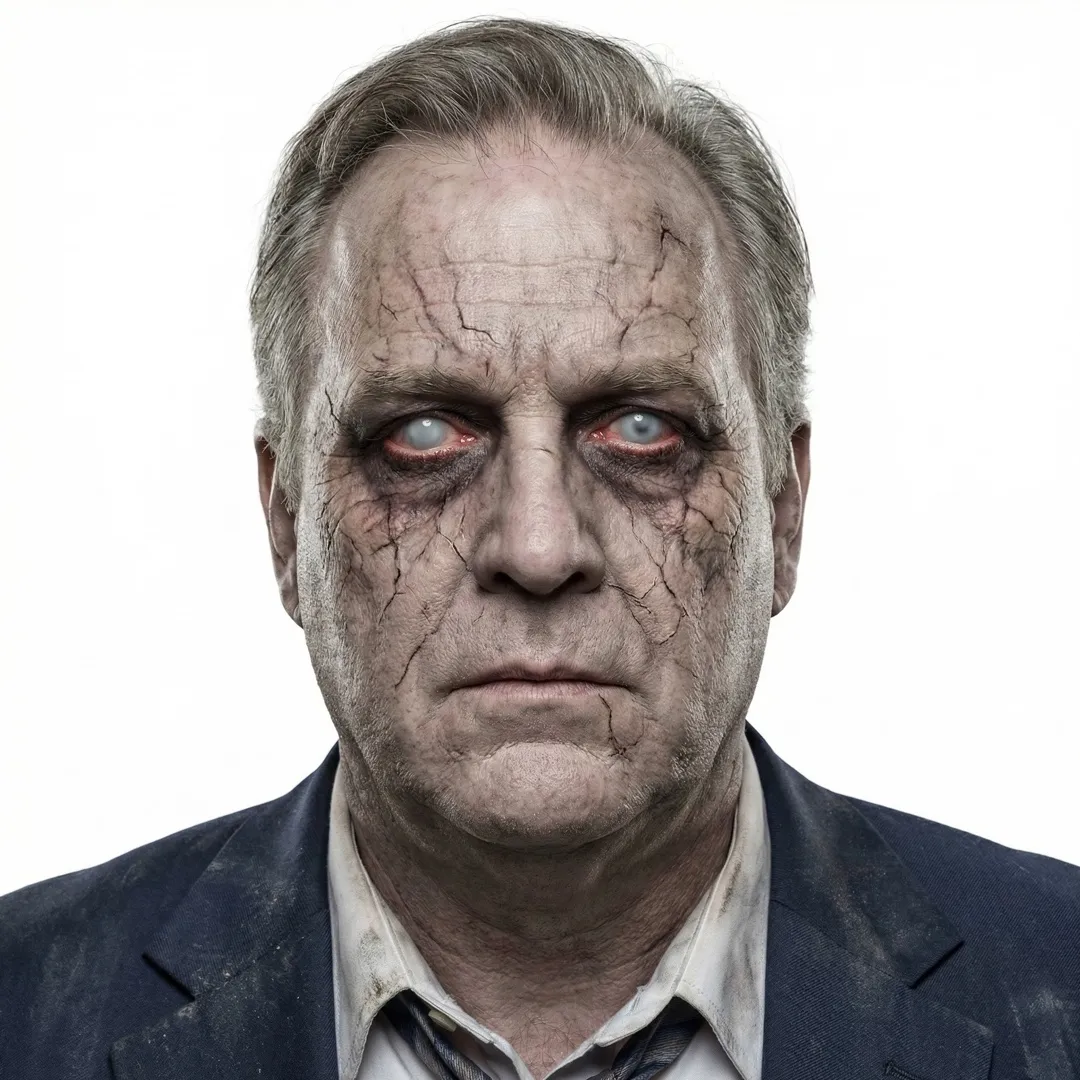
REF zombie_office_worker -
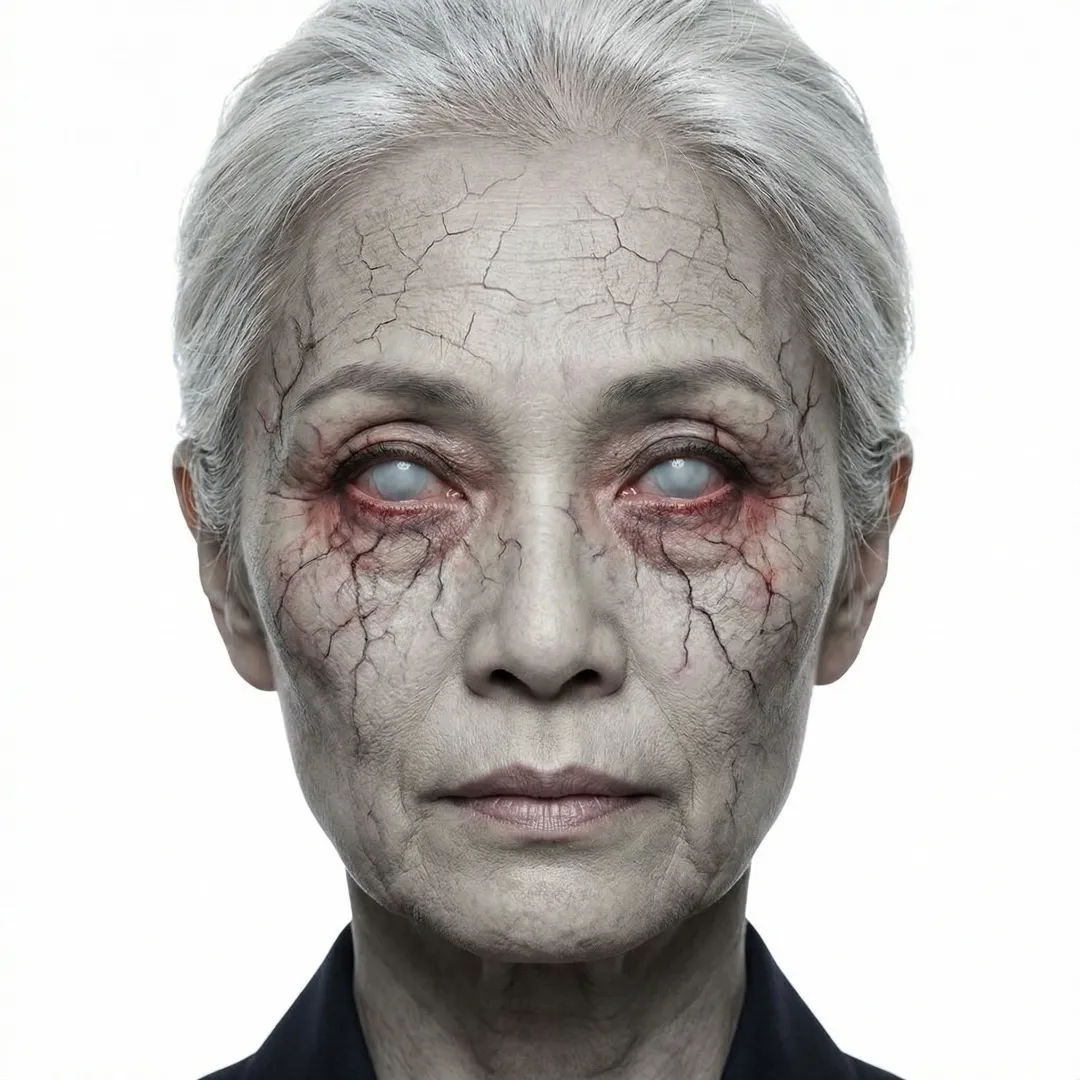
REF zombie_formal_evening -
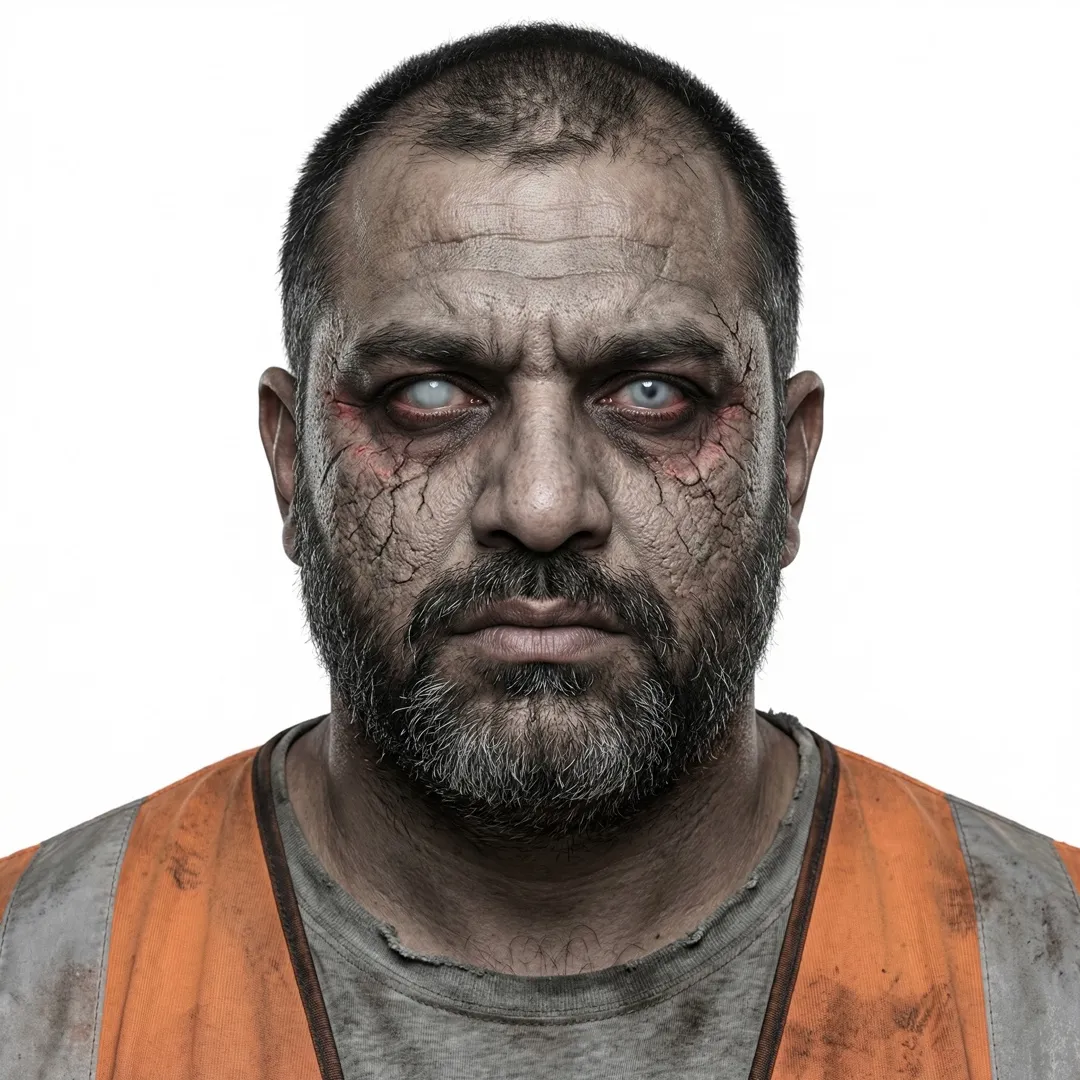
REF zombie_laborer -
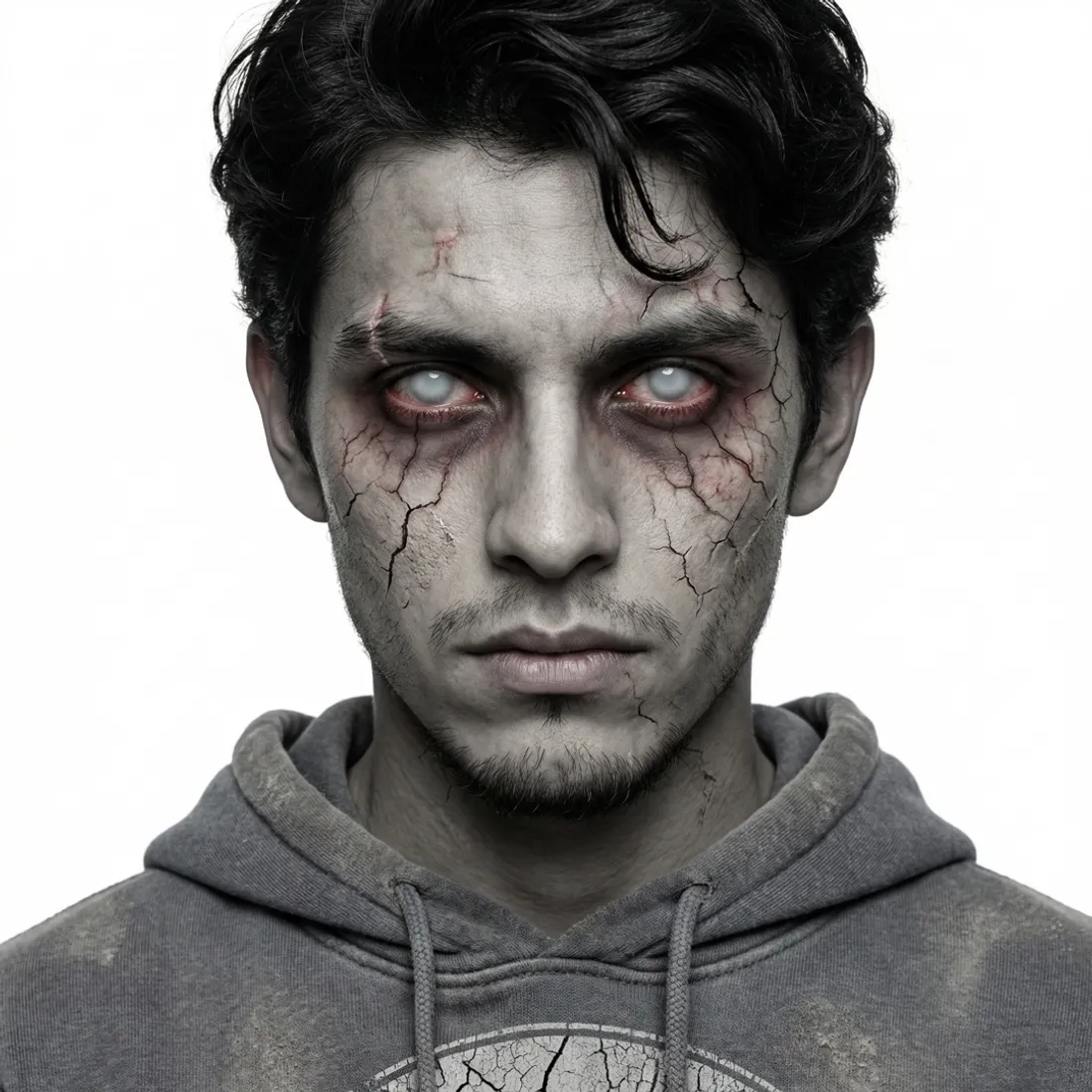
REF zombie_casual_street -
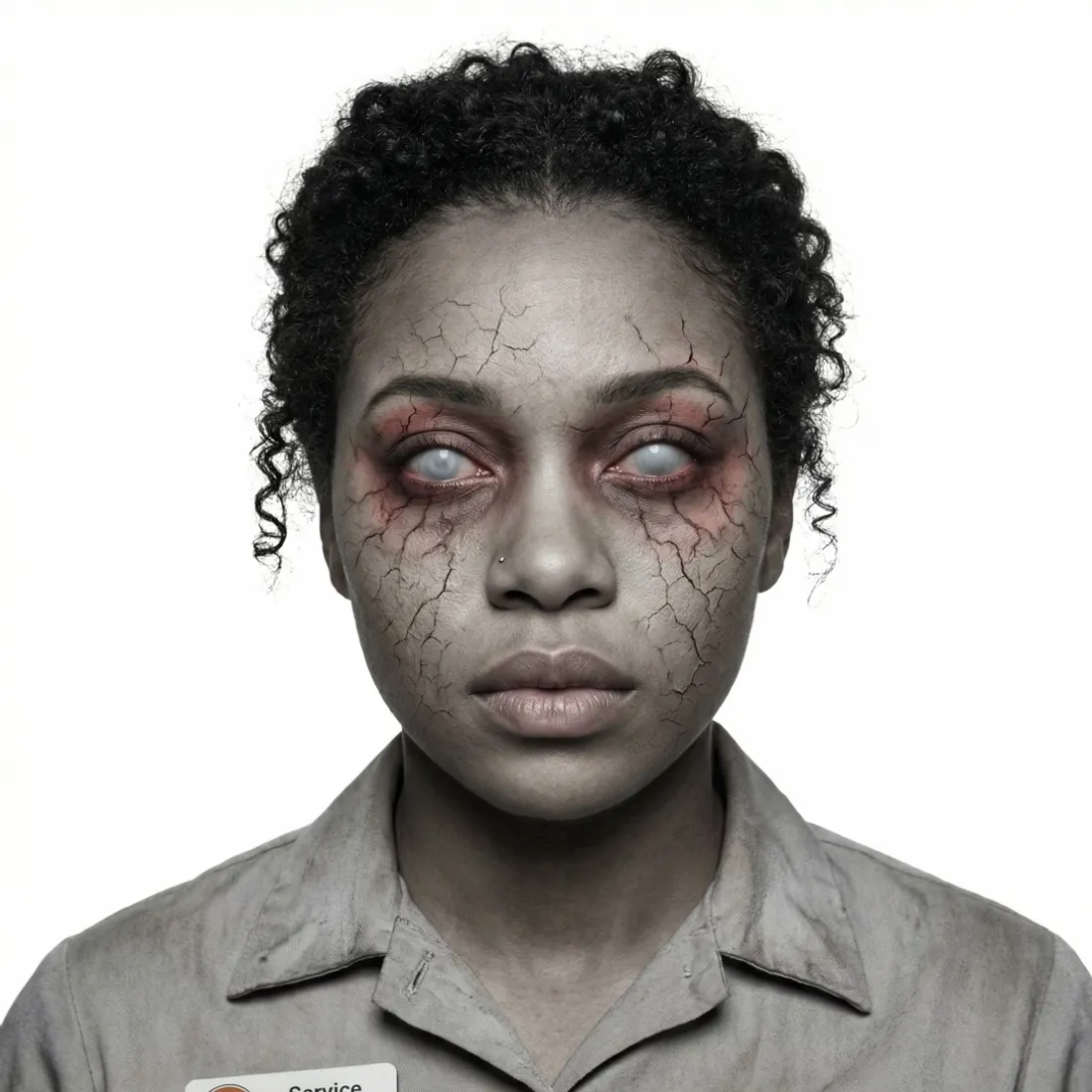
REF zombie_service_industry -
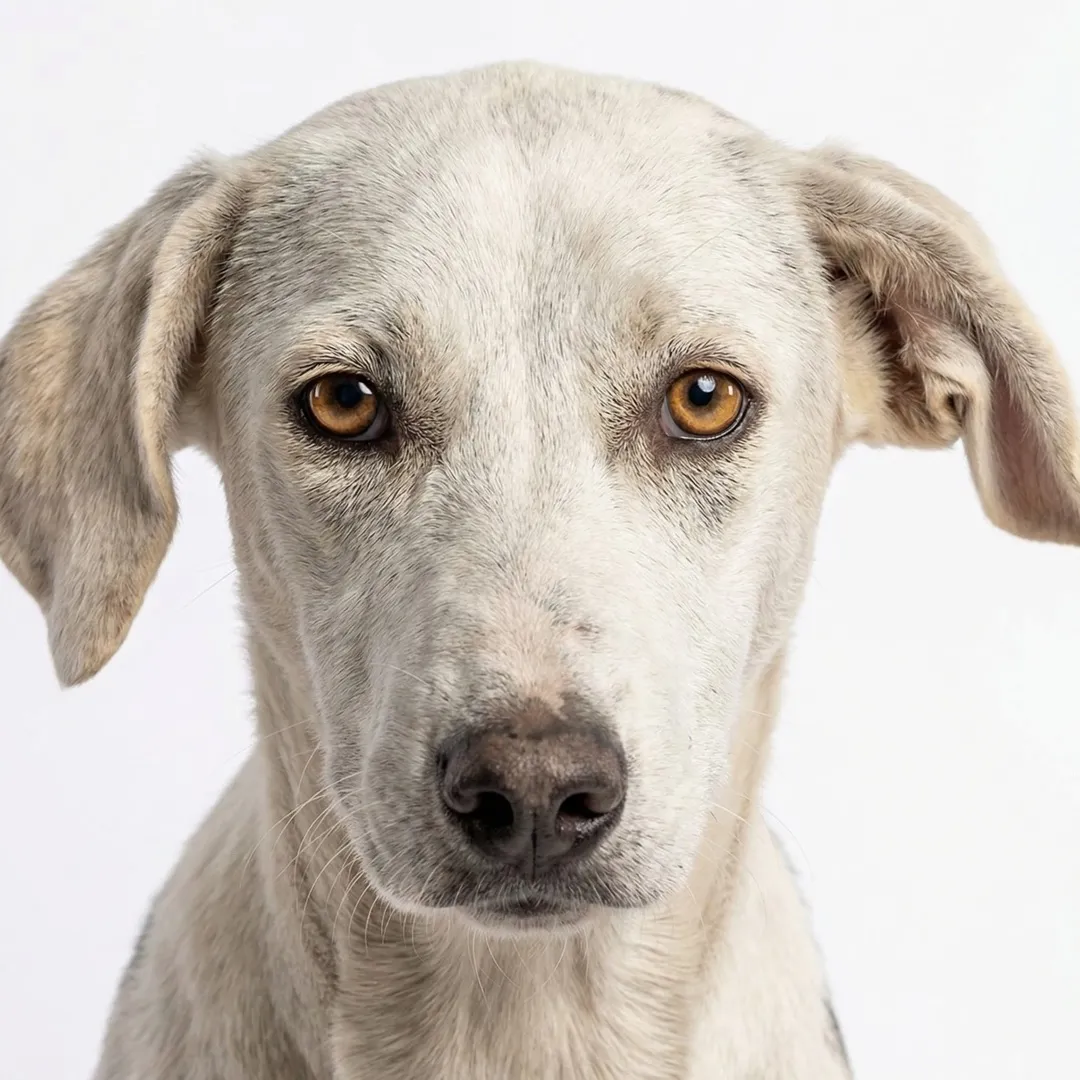
REF dog_face -
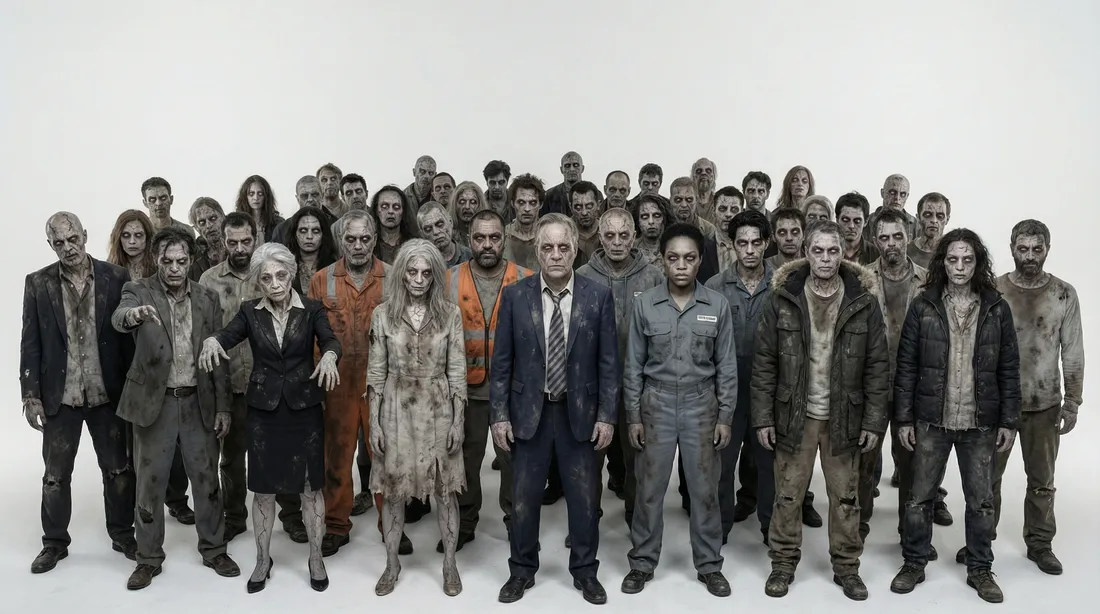
REF horde
-
-
03 · Props
The things that tell the story
A painted smiley mask, a welded steel crown with a key hidden inside, a warhead in the basement, a white motorcycle. Each one designed once, so it looks the same in every shot.
-
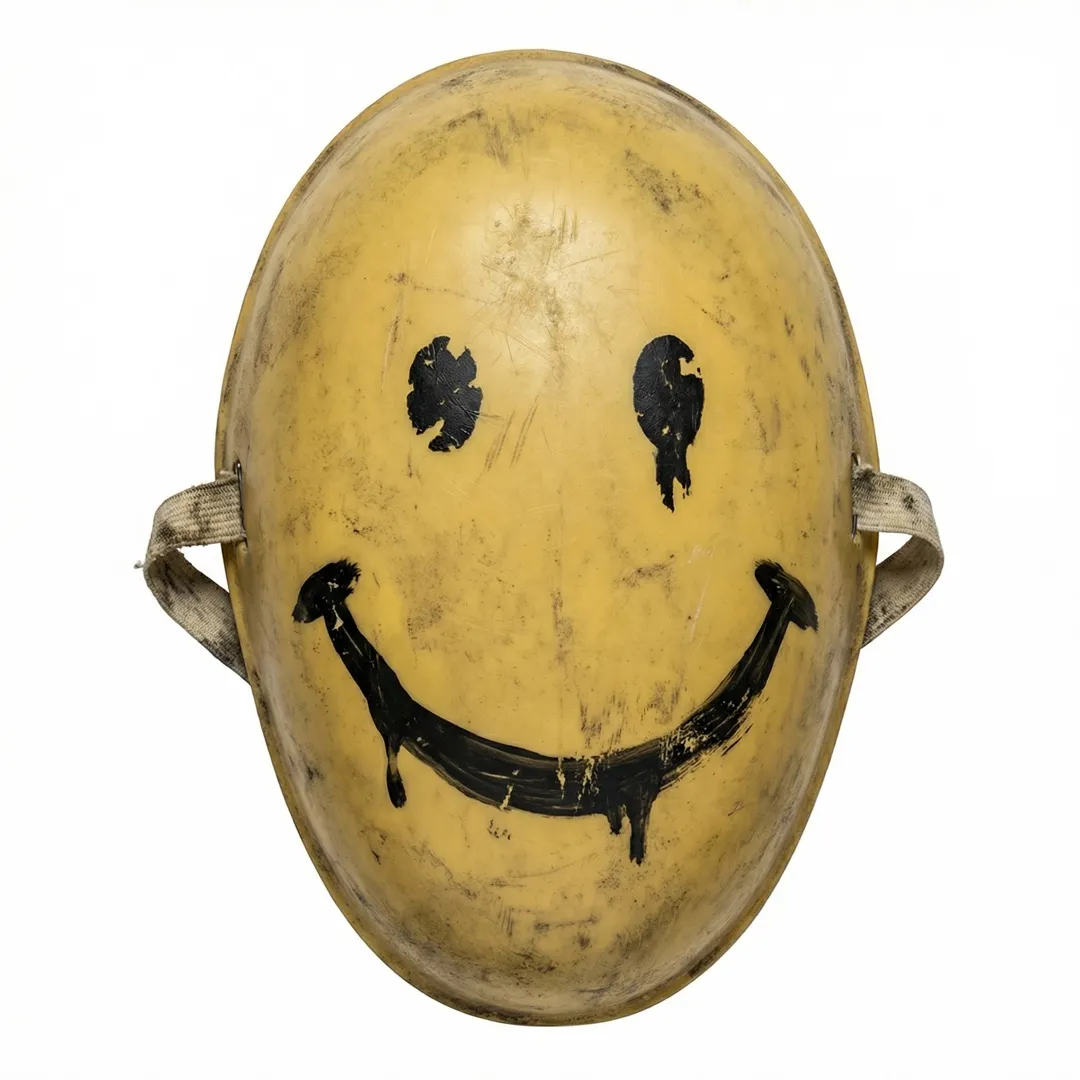
PROP smiley_mask -

PROP king_crown -

PROP motorcycle -
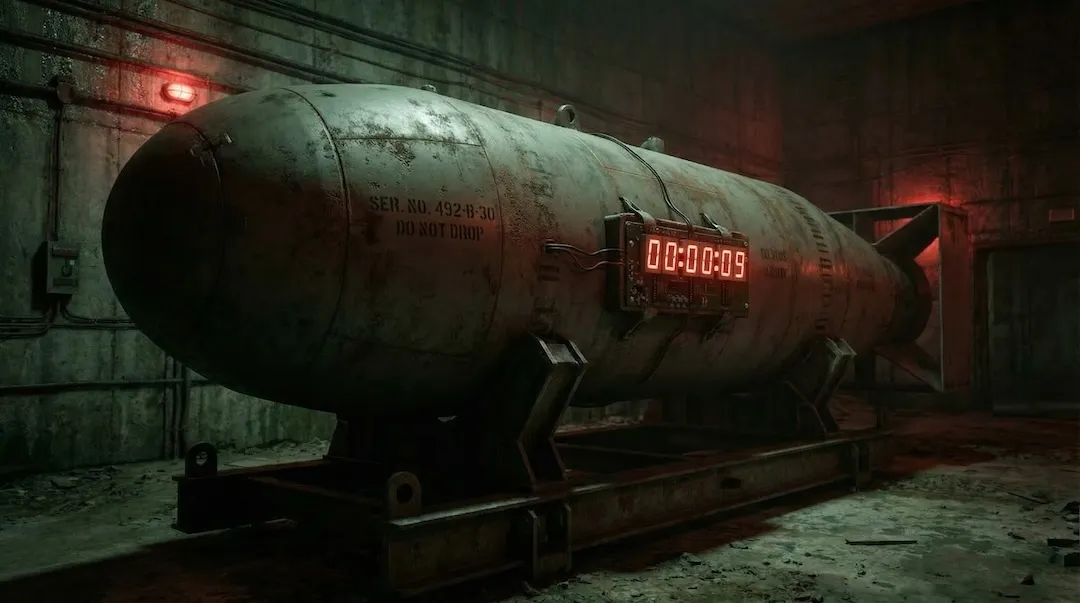
PROP basement_bomb -
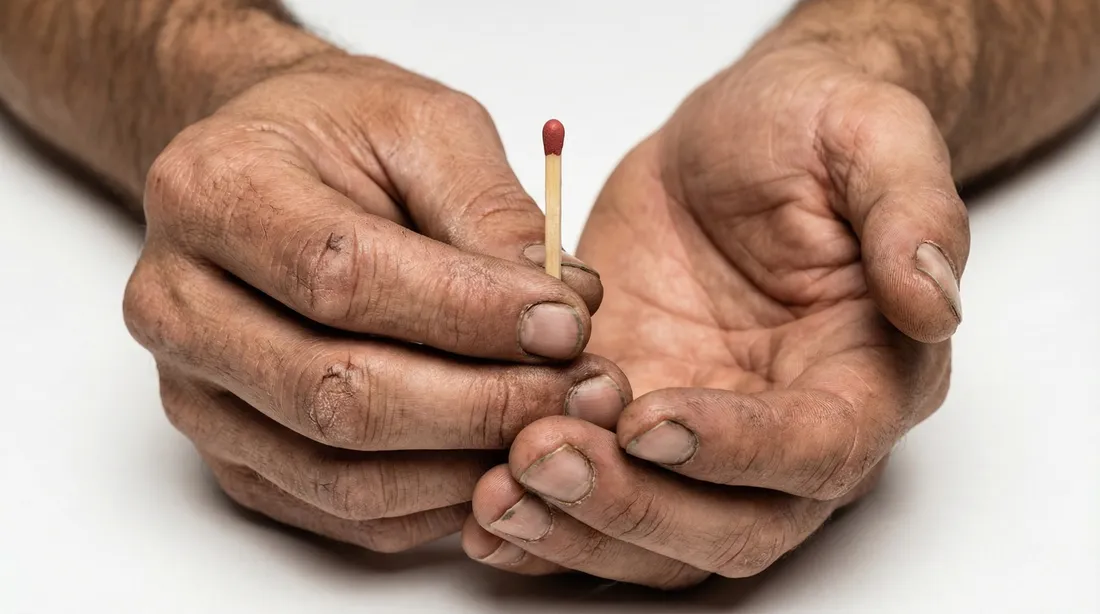
REF king_hands_match
-
-
04 · Locations
Four places, built once
A palace that used to be a government building, its throne room, the city streets and the open road. Each location gets an anchor image, so every shot set there agrees on where the light comes from.
-
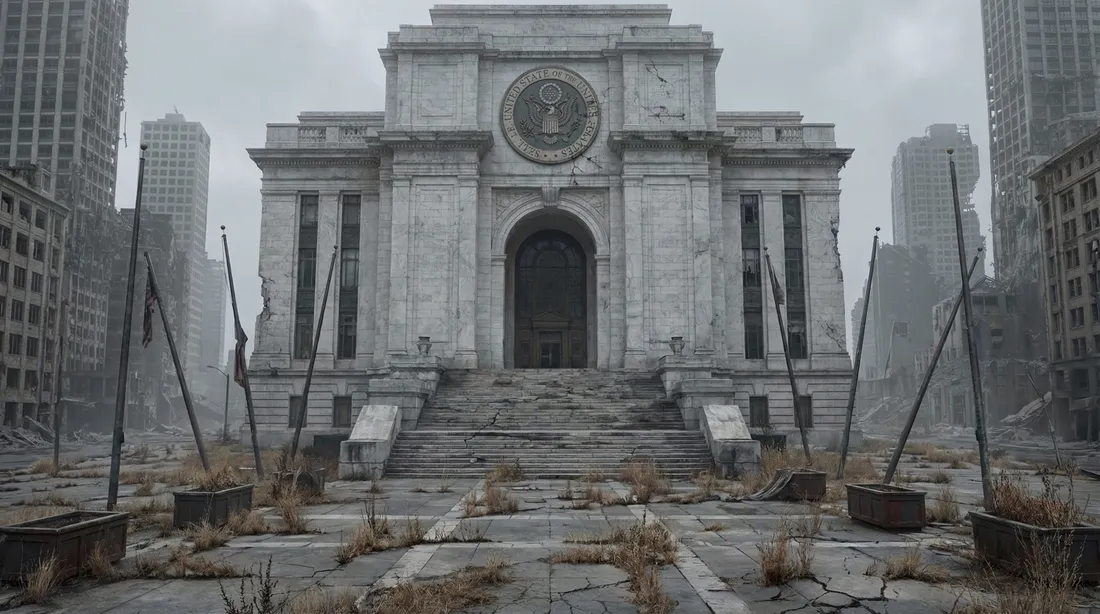
LOC palace_exterior_anchor -
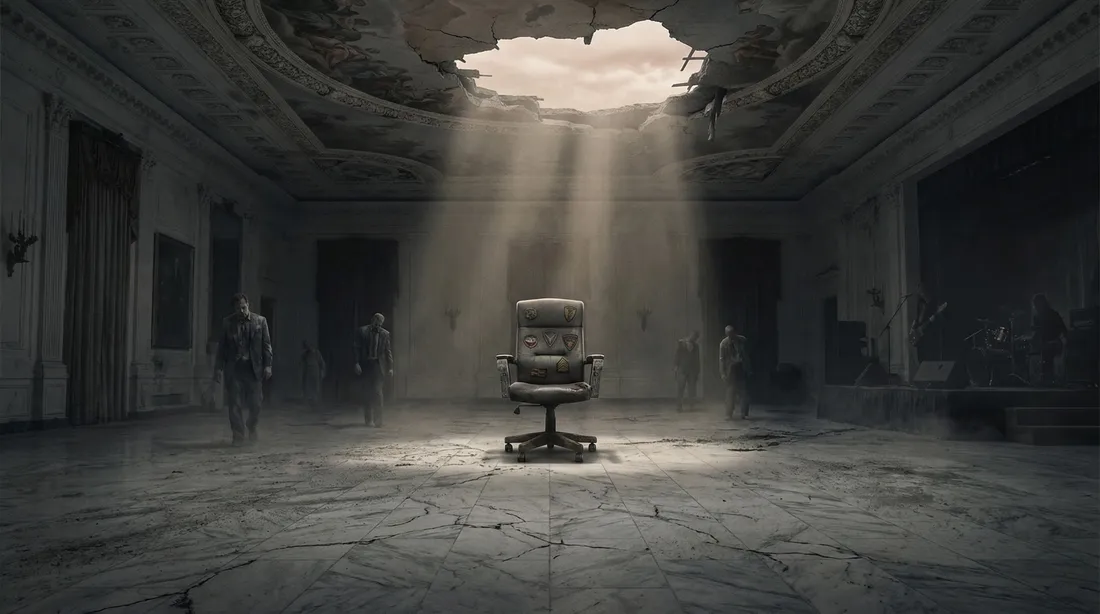
LOC throne_room_wide_TR1 -
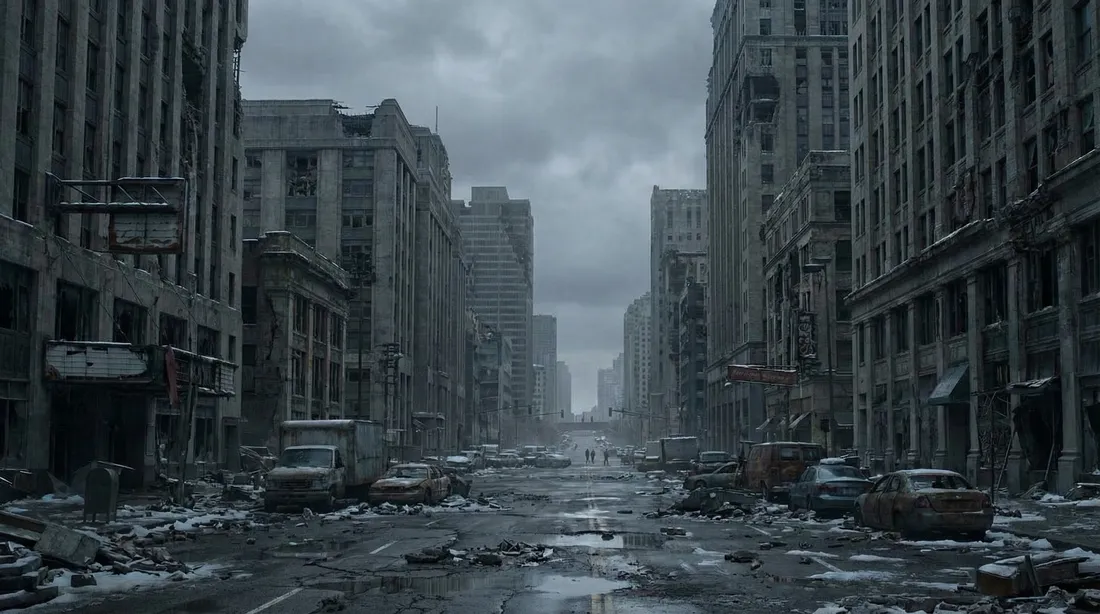
LOC city_street_anchor -
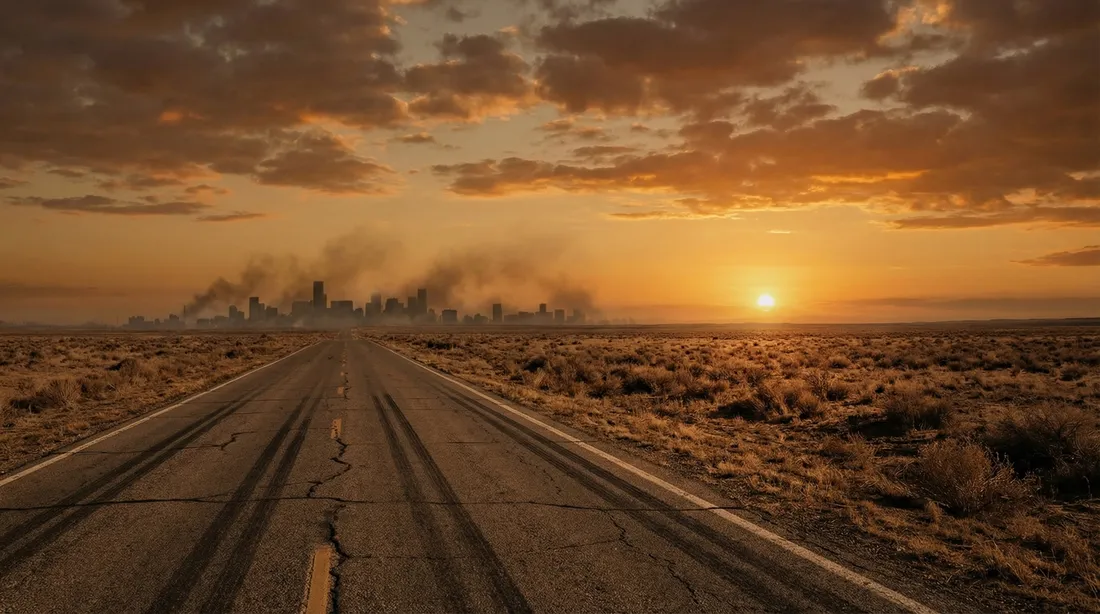
LOC open_road_anchor
-
-
05 · Storyboard
Nine stills at a time
Each sequence starts as a 3×3 grid. The best panels are sliced out, upscaled and promoted to keyframes. The rest are why there is a next grid.
-
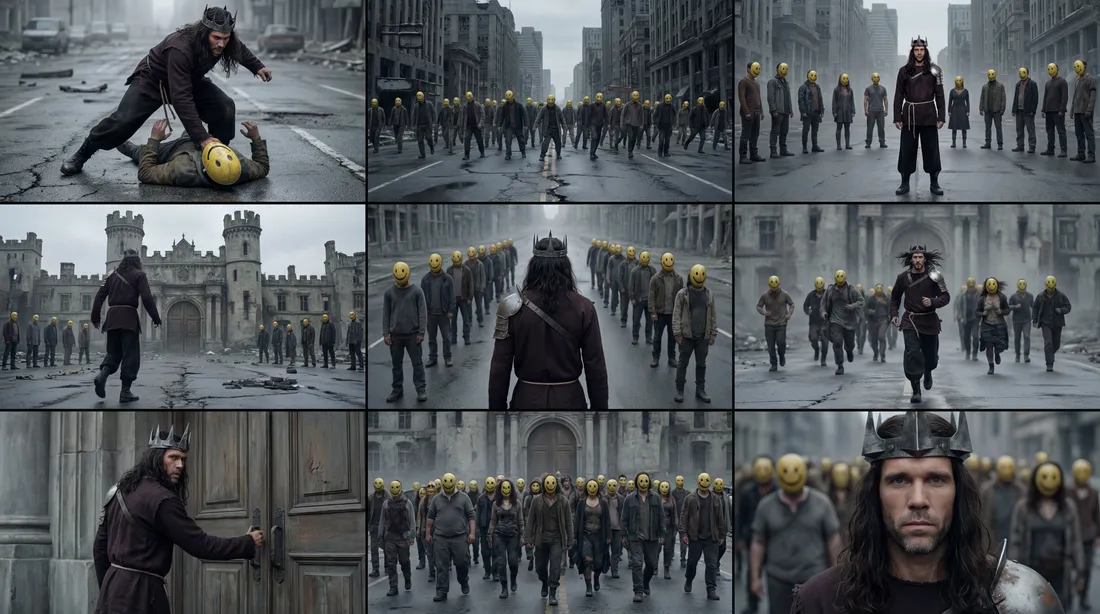
GRID grid_mm1y2dc8 -
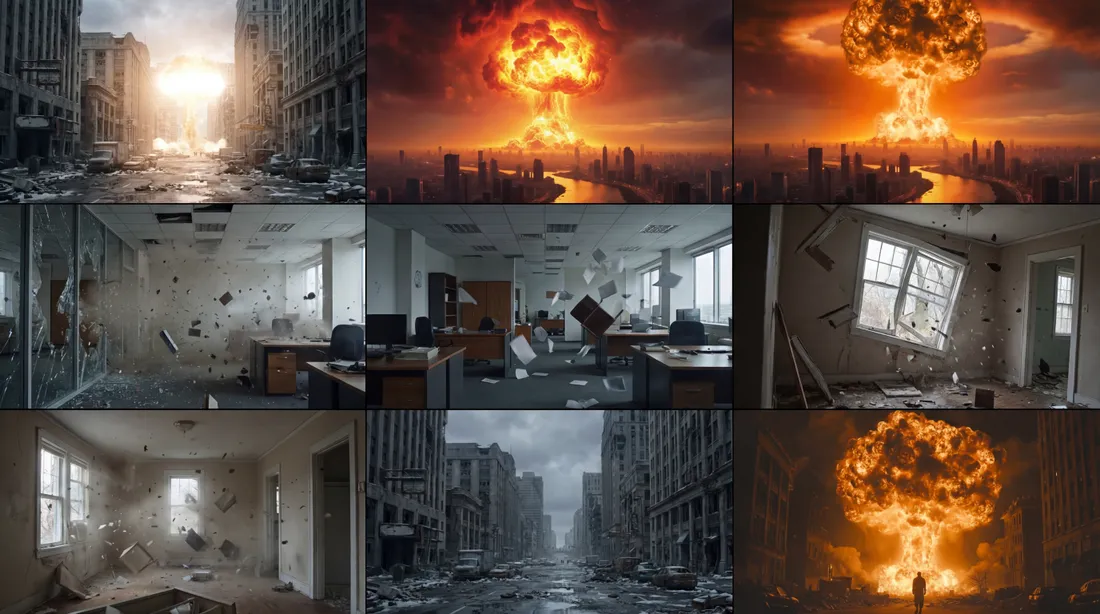
GRID grid_mm5ebx8a -
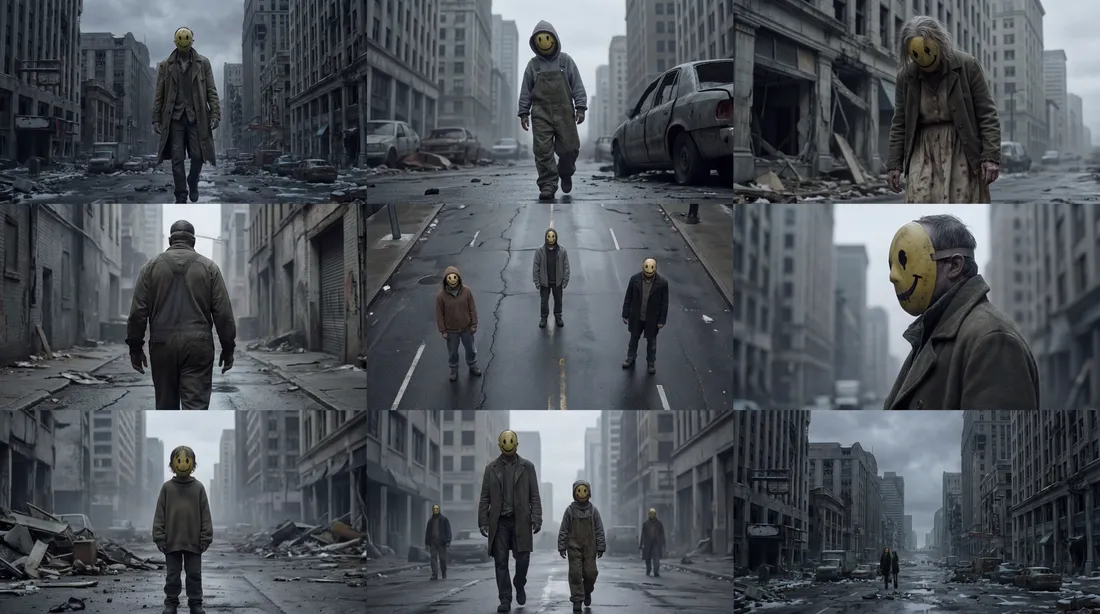
GRID grid_mms852be
-
-
06 · Motion
Then, and only then, it moves
Approved keyframes go to Kling to be animated, shot by shot. Some land first time. Most do not: rerolls, other models, other prompts, until the motion earns its place in the edit.
-
CLIP r_burn_a · the mask comes off -
CLIP aisle + helmet + bike -
CLIP count + flash + nuke
-
-
07 · Director · pre-CLI, pre-agent
I built the tool before the tools existed
This was the pre-CLI, pre-agent era of AI video: no command line, and no agent that could drive Kling, Higgsfield or ImagineArt. So I built Director, a local app and a Chrome extension that drove those platforms in the browser and kept track of every reference, grid, frame and take. Today, that execution is a request to my agents.
sequence prompt → 3×3 grid → pick panels → slice → upscale → animate
-
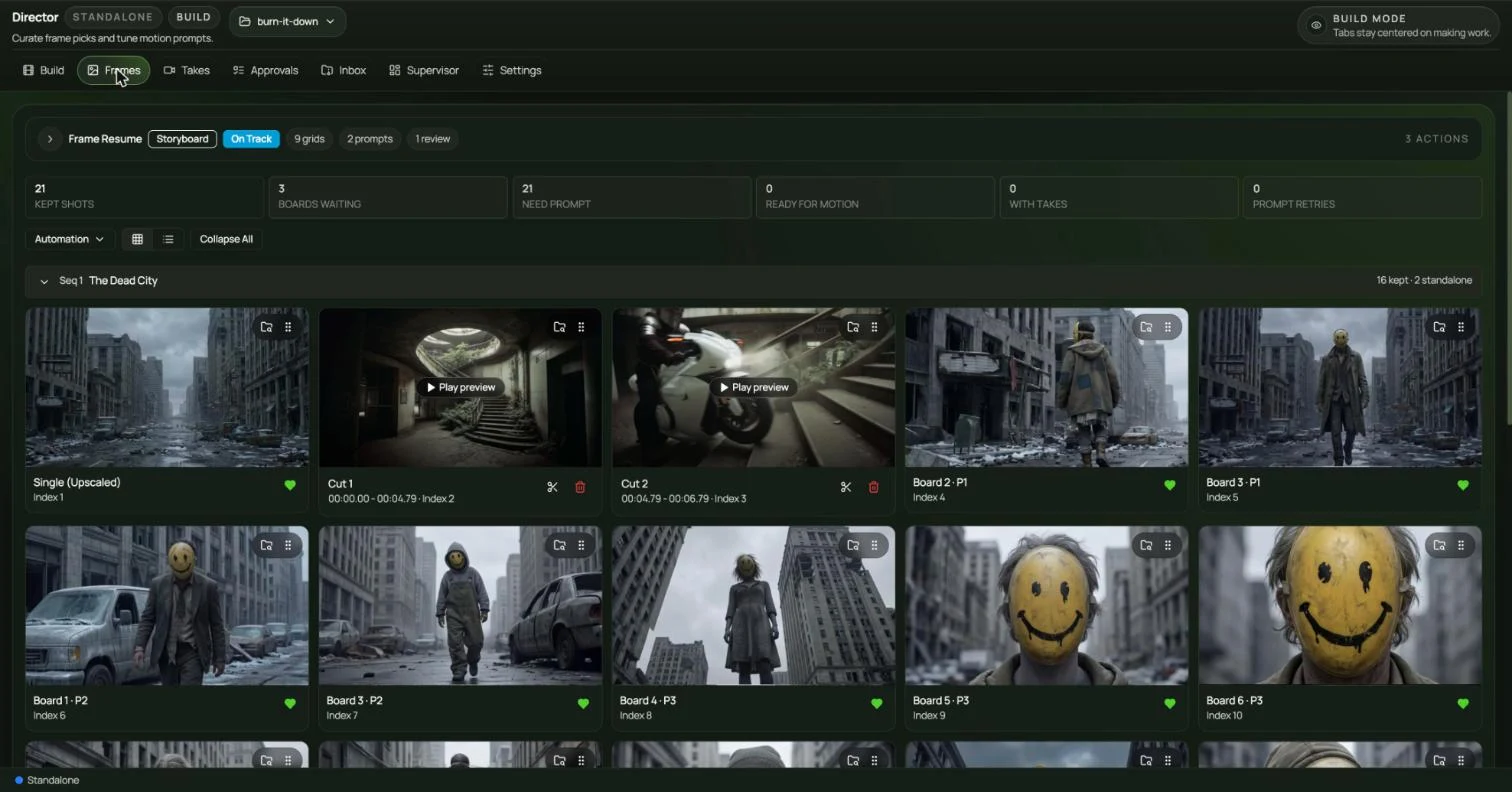
APP Director · Frames: kept shots, cuts and previews (pre-CLI) -
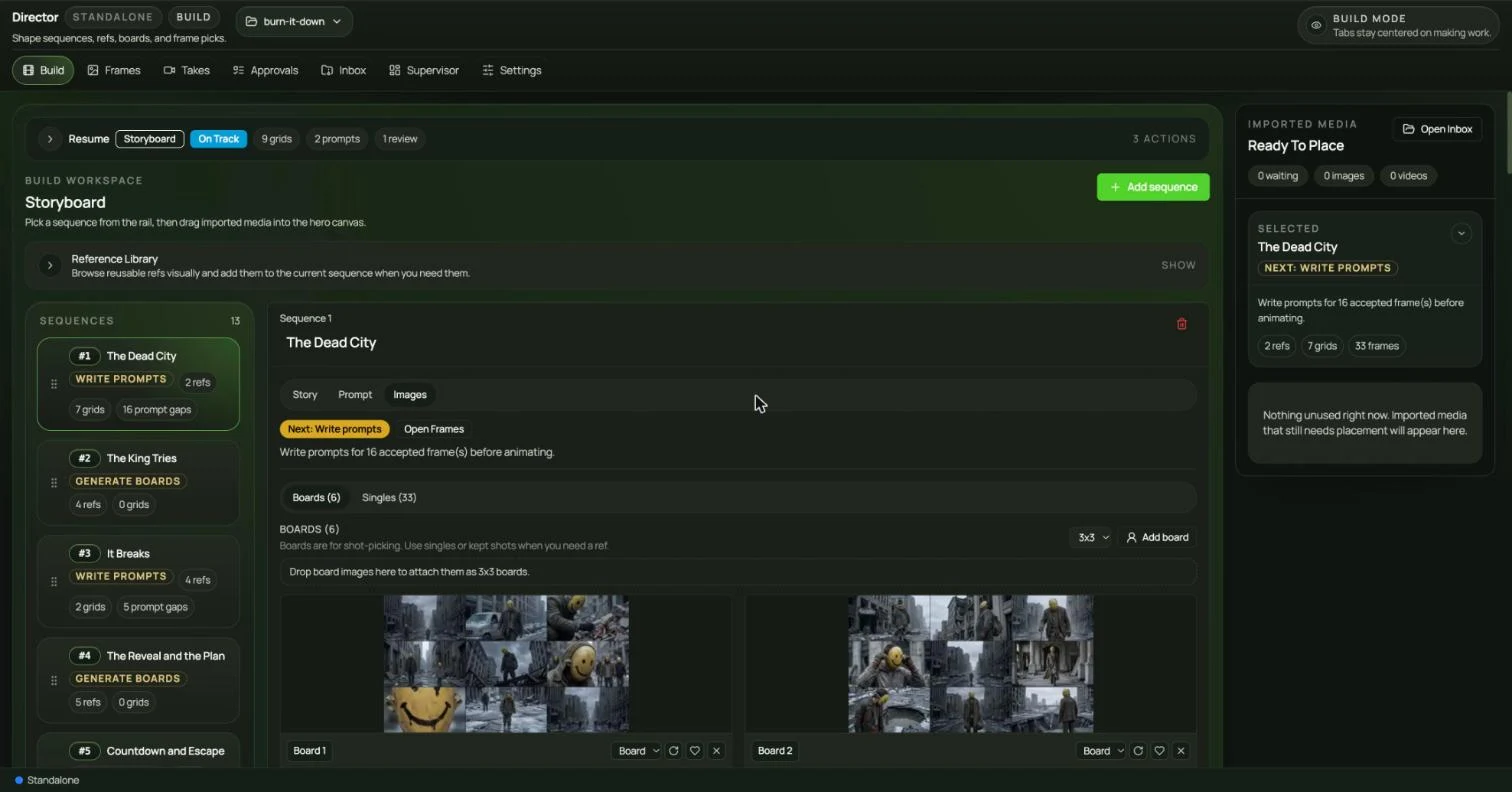
APP Director · Storyboard: 13 sequences, boards per sequence
-
